MatchTrack
A mobile app that helps tennis coaches manage players, equipment, and team operations.
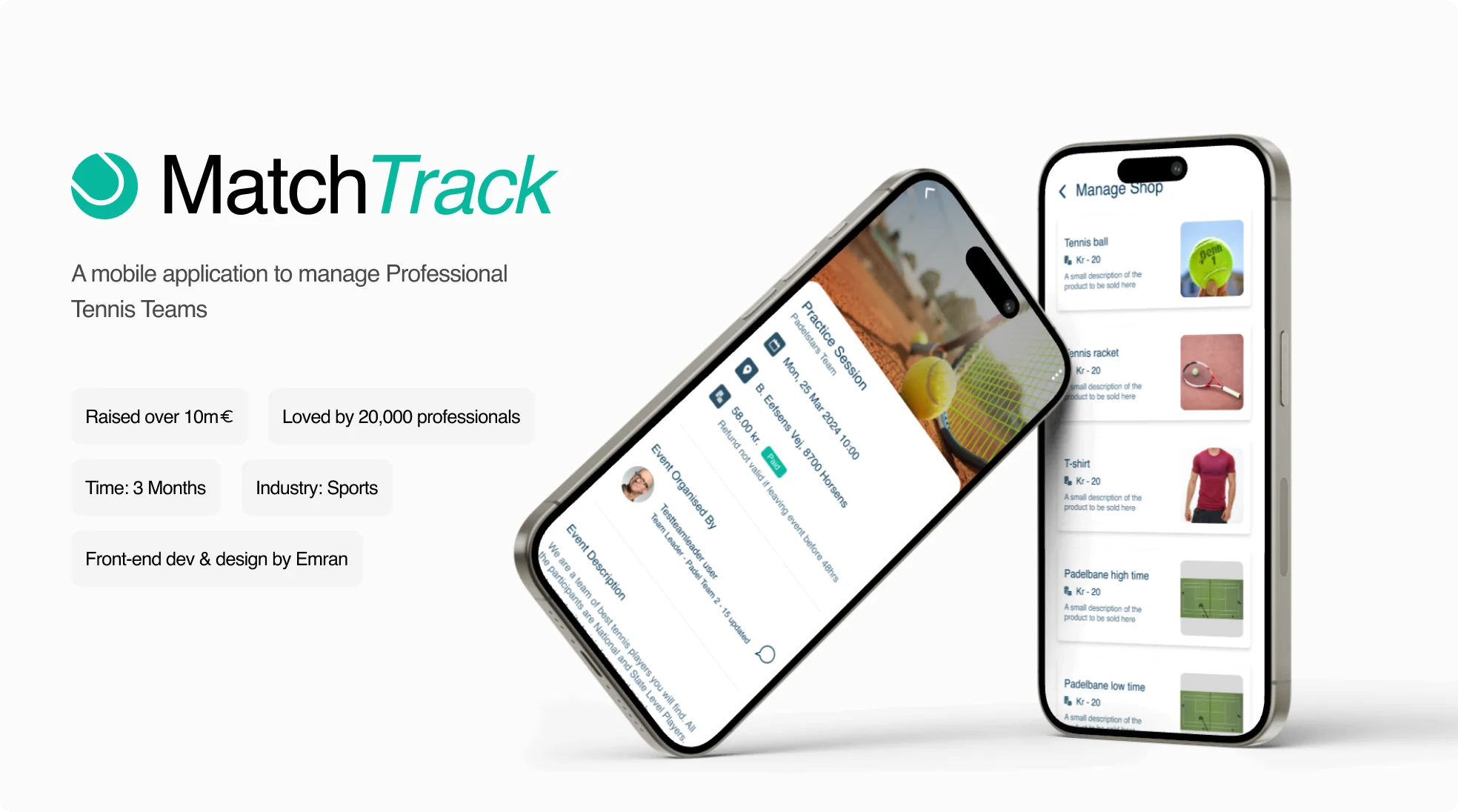
MatchTrack started with a simple idea: give tennis coaches one place to manage the moving parts of their teams. I led mobile development, helping turn an early concept into an app built around the tasks coaches needed to get done.
From Spreadsheets to a Real Workflow
Managing players, equipment, and performance meant keeping track of too many moving parts. The challenge wasn't simply putting everything into an app. It was figuring out which tasks mattered most and making them easy to complete on the go.
Start With What Coaches Actually Need
From Spreadsheet to Product
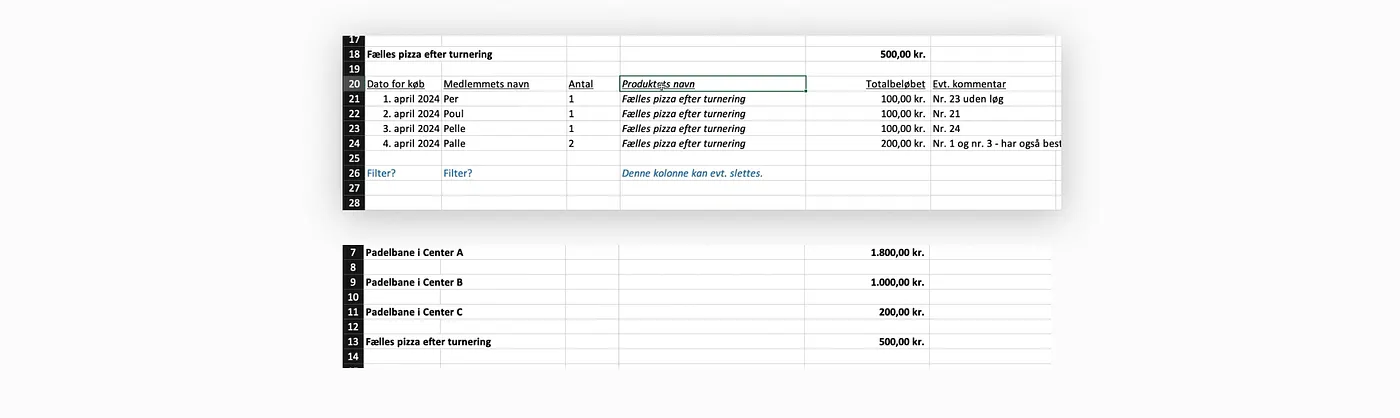
We started with an Excel sheet and a broad product idea. I helped move the conversation toward real coaching tasks instead of building features just because we could.
Prioritize the Essentials
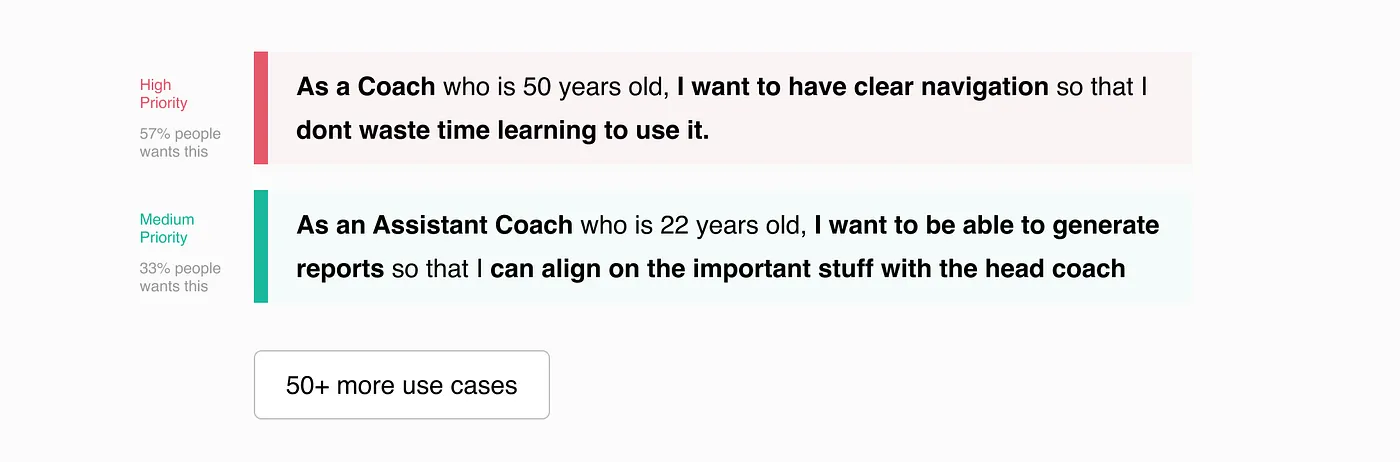
Through user interviews, we identified the most important use cases and used them to guide what we built first. The goal was to solve high-priority problems before adding more complexity.
Make Everyday Tasks Easier
I took the lead on mobile development, using prototypes and early feedback to refine navigation and simplify key workflows. We focused on helping coaches reach the right task quickly, without having to work through unnecessary steps.
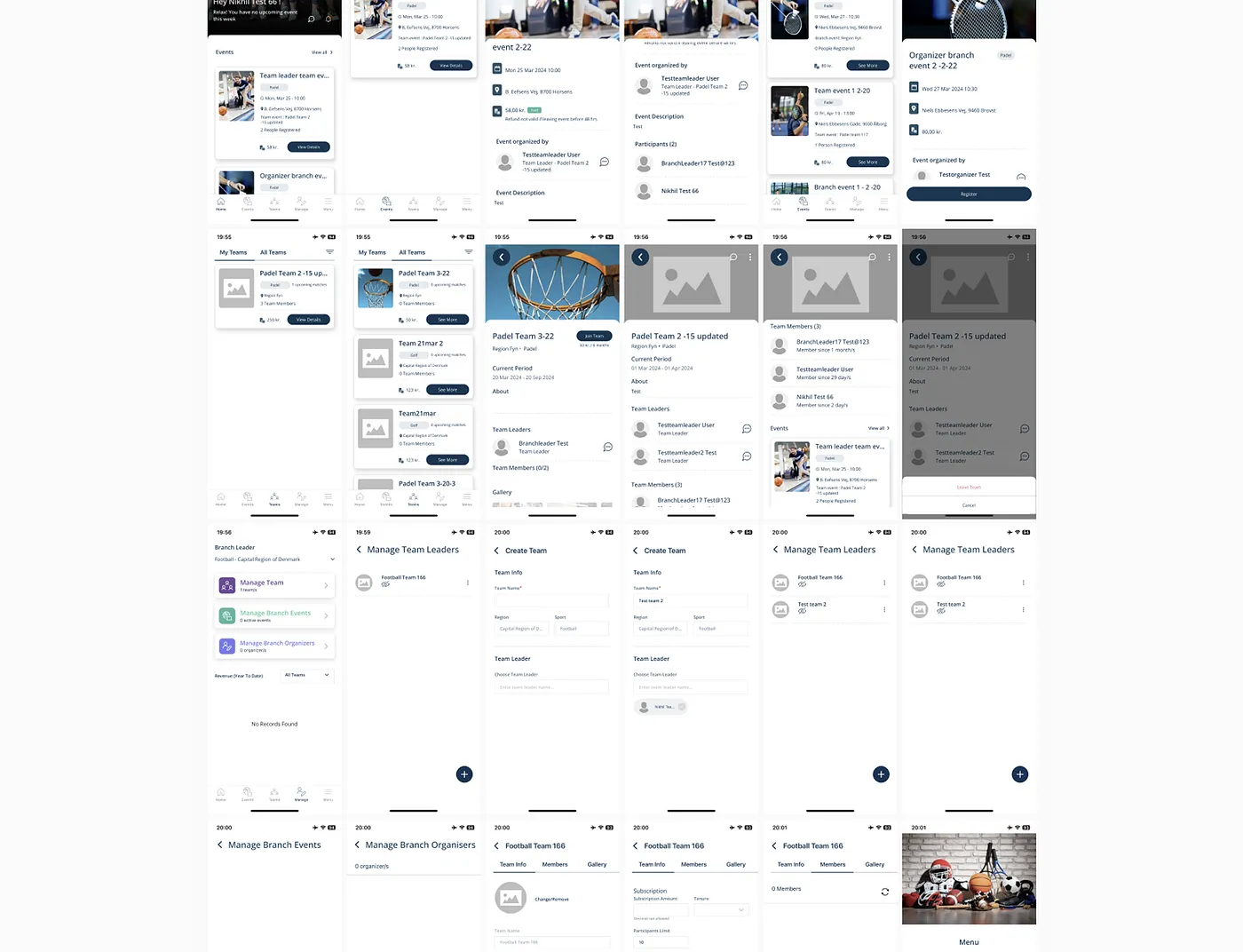
Navigation That Makes Sense
I iterated on the navigation twice to make key sections easier to find and move between, keeping the experience straightforward as features grew.

Fewer Steps, Less Friction
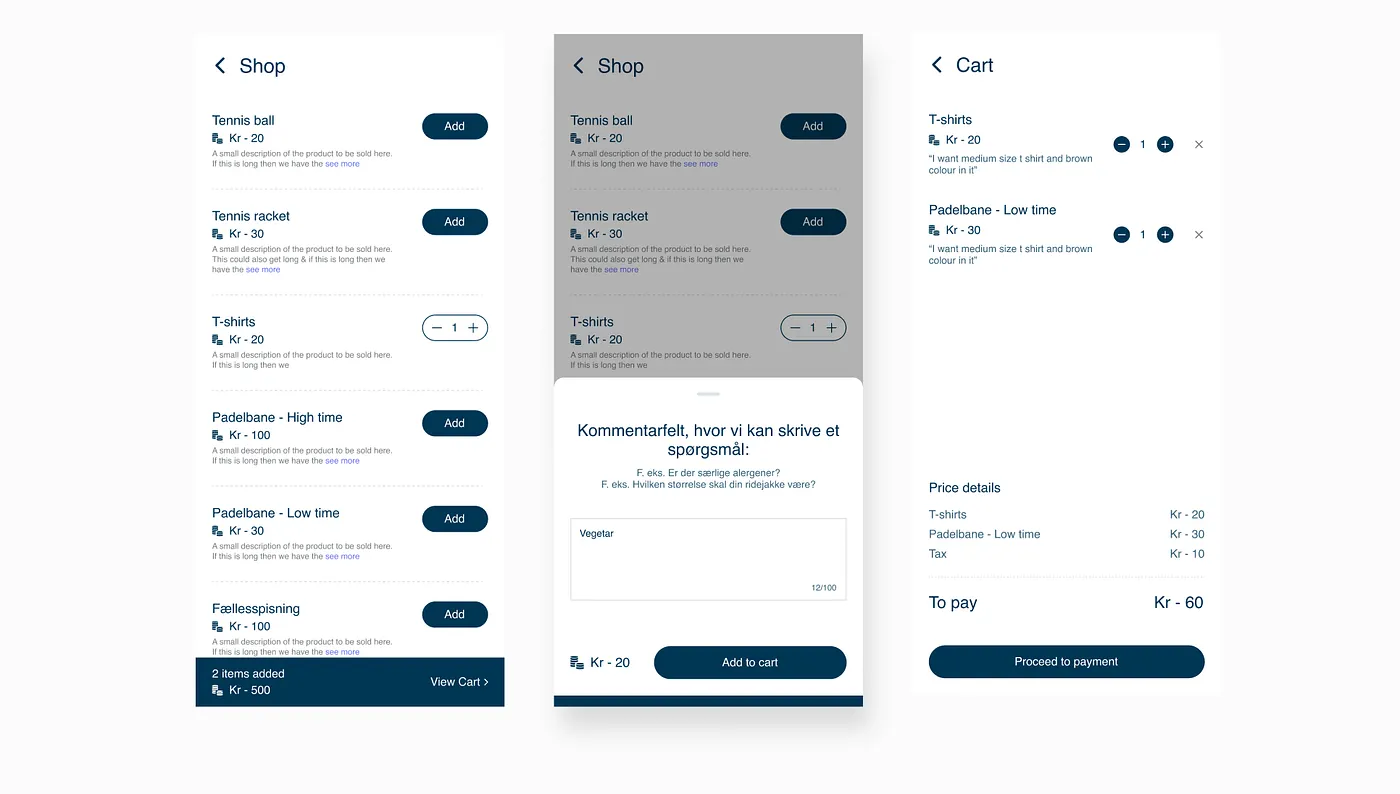
I streamlined important user flows, including in-app shopping, to keep common tasks short and easy to complete.
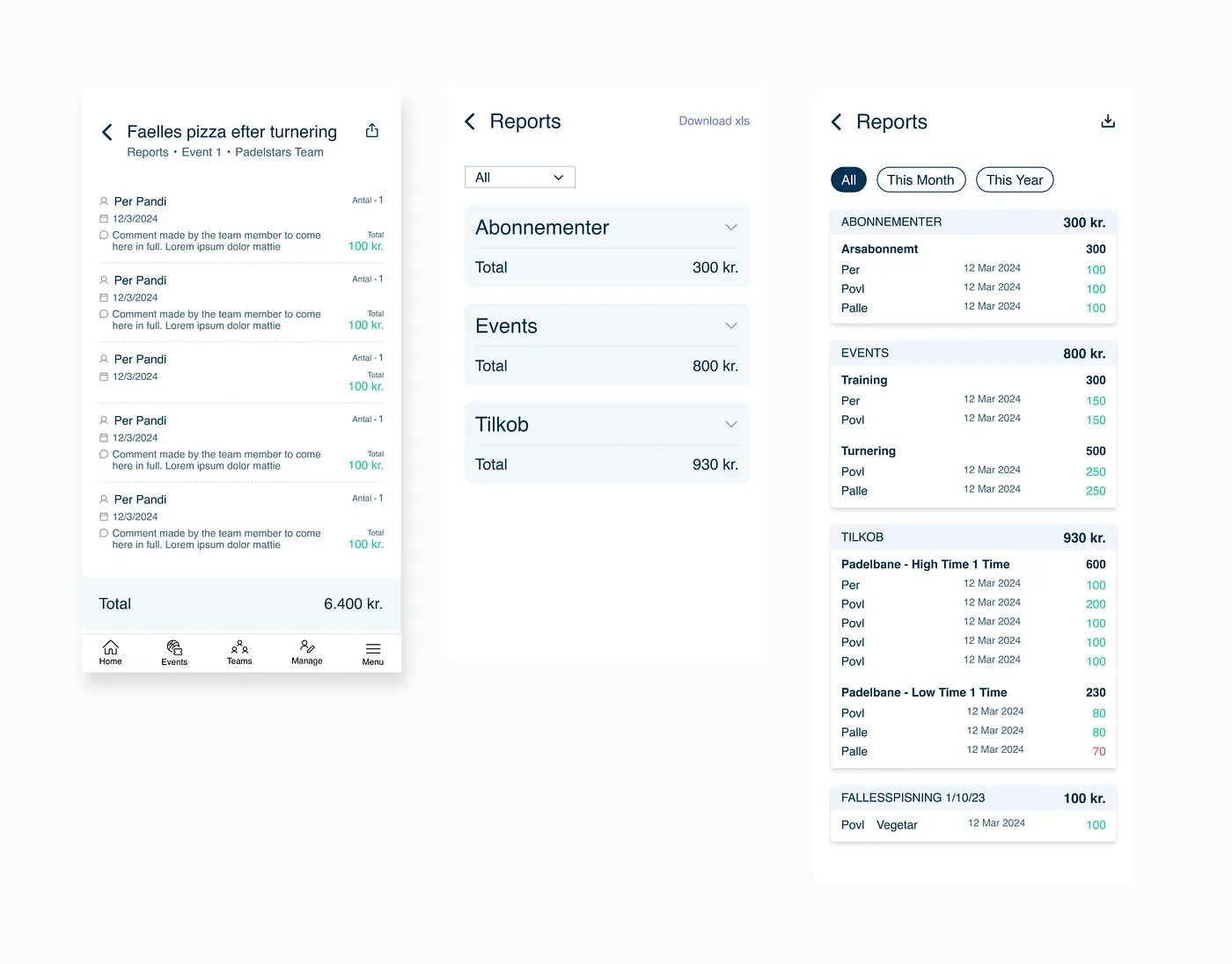
Reports Coaches Can Use
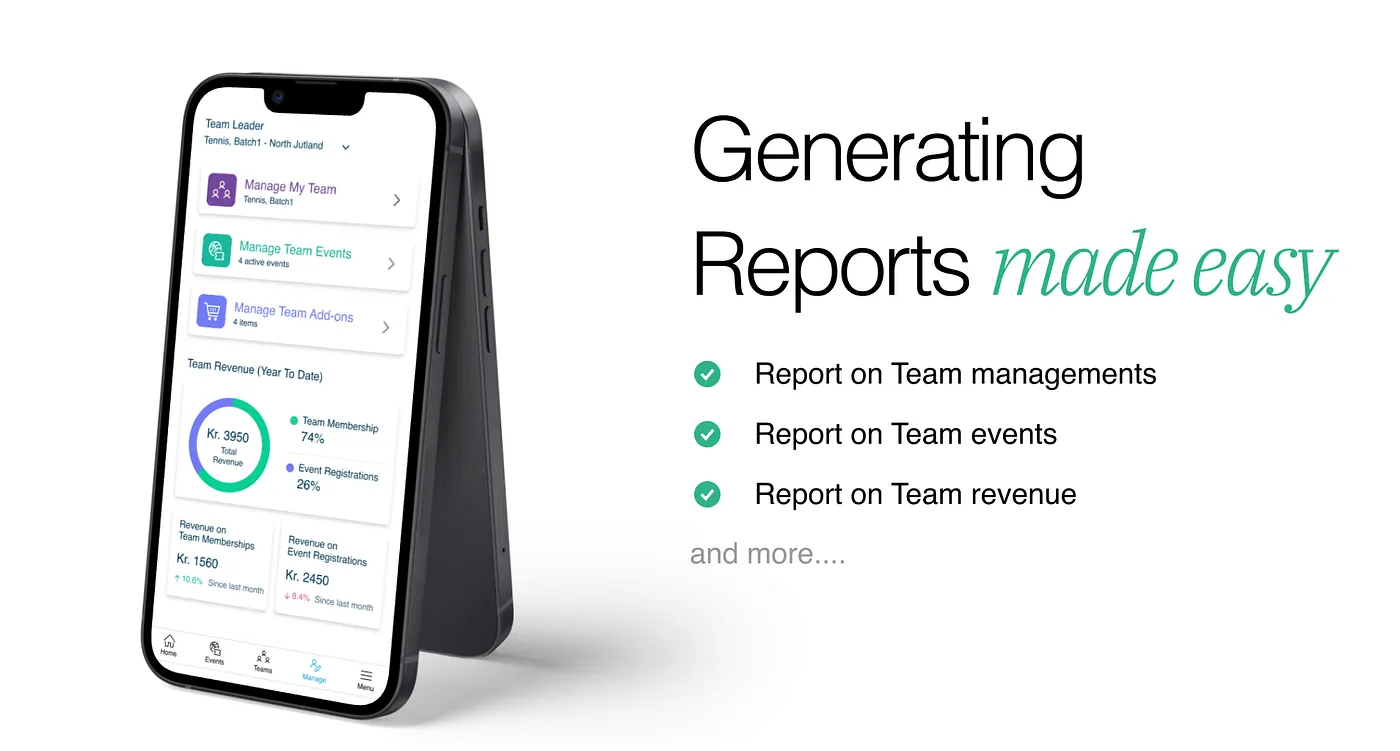
We included reporting features to help coaches review relevant information and manage their teams with a clearer picture of activity.
A Stronger Foundation to Build On
Following launch, we received positive market feedback and continued refining the product. The experience gave us a clearer foundation for future improvements as MatchTrack evolved.